Weekly plans that stay editable
Build your week meal by meal, copy a day, repeat a week, split leftovers, and decide which meals should feed the grocery list.
Miso turns recipes, pantry inventory, nutrition goals, grocery lists, and shared household planning into one calm weekly flow.
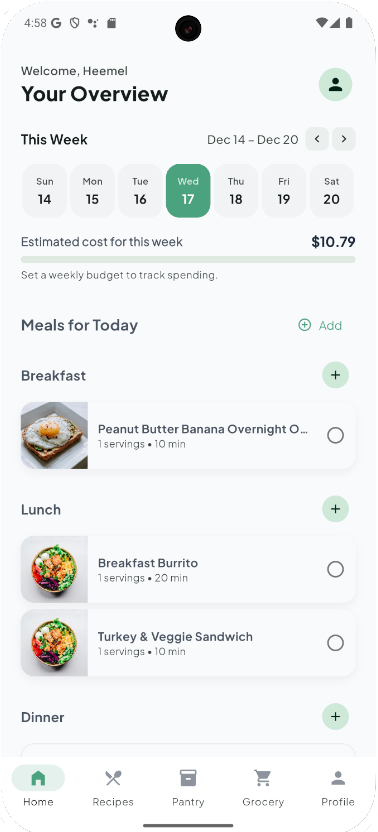
Miso is not just a recipe browser. It connects the decisions that usually live in separate apps: what to cook, what you already have, what to buy, and how the week fits your goals.
Build your week meal by meal, copy a day, repeat a week, split leftovers, and decide which meals should feed the grocery list.
Miso checks what you already have, avoids duplicate buys, combines weeks when needed, and can move purchases back into your pantry.
Discover recipes and curated meal plans by preference, allergy, pantry fit, protein, speed, budget-friendliness, and meal type.
Set calorie and macro targets, view daily progress, and use optional Apple Health activity signals to refine the plan.
Describe a meal, ask for ideas, estimate macros, or have Miso build a recipe and add only the groceries you still need.
Upgrade when two people need one shared kitchen: synced menus, grocery lists, pantry context, and household coordination.
The strongest product idea in Miso is simple: planning, pantry, groceries, and nutrition should update each other instead of making you reconcile them manually.
Choose from recipes, custom meal plans, or ask Miso to create something around what you want to eat.
Slot meals by day, serving, and household context. Copy, repeat, remove, or mark meals cooked as plans change.
Miso subtracts pantry inventory, organizes the smart list, and keeps the plan useful when you are actually in the store.
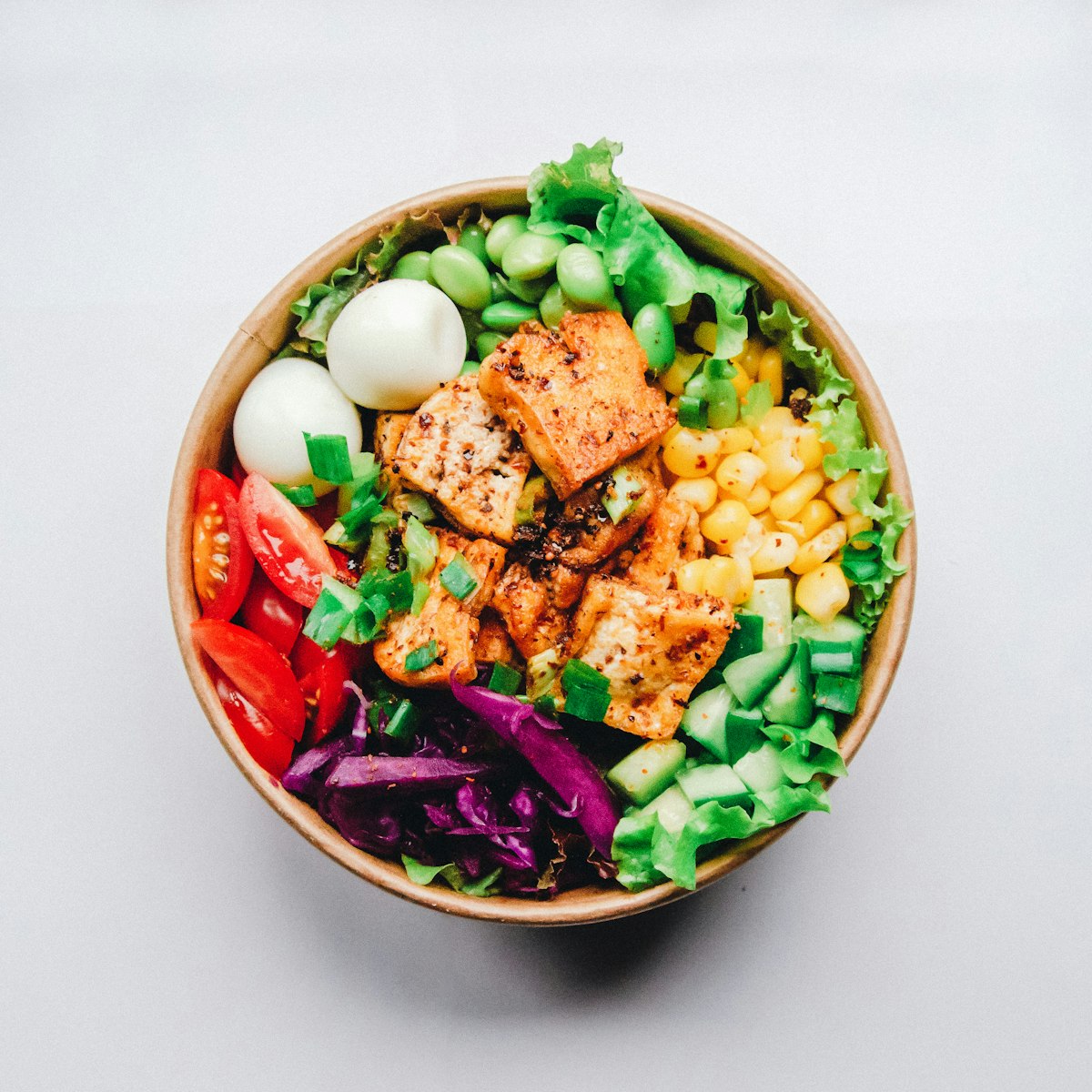
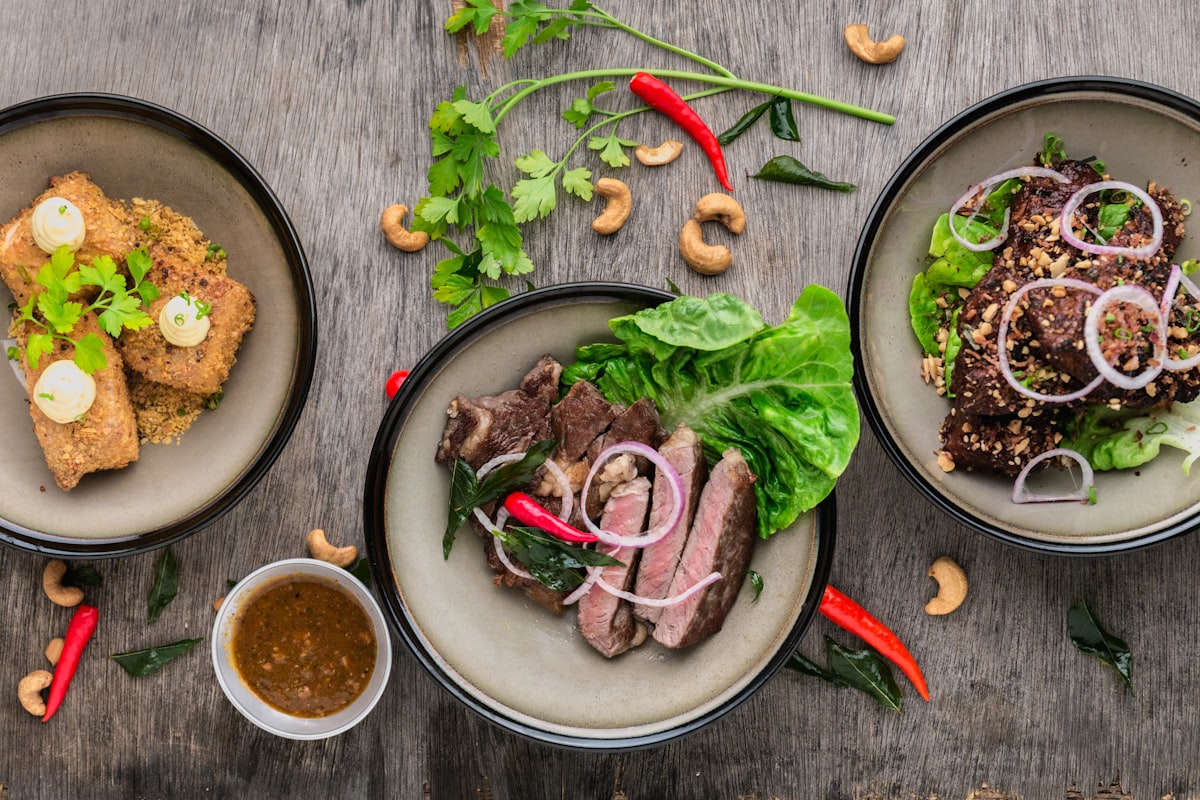
Rice stays off the list because it is already in the pantry. Fresh basil and yogurt still need to be bought.
Good meal planning fails when the operational details are scattered. Miso keeps those details attached to the actual plan.
Plans match the current in-app billing catalog. App Store checkout confirms final local pricing, taxes, trials, and availability.
For trying the core planning loop before paying.
Continue for free from onboarding.
For one cook who wants smarter planning, personalization, and pantry-aware automation.
Flexible solo premium access.
Annual solo premium access.
Keep Pro forever with no renewals.
For two cooks sharing menus, groceries, pantry context, and planning decisions.
Synced planning for two.
Annual shared premium access.
Keep Duo forever with no renewals.
Subscriptions and one-time purchases are managed by Apple. Miso does not store card details directly. Existing subscribers can restore purchases from the app.
These questions are aligned with the current app behavior and support flows.
Miso is available on the App Store. Android availability will be announced only when that release is ready.
Miso connects meal planning, recipes, pantry inventory, smart groceries, nutrition targets, reminders, and optional household sharing so you do not have to reconcile each piece manually.
Plan meals first. Miso projects ingredients into a grocery list, adjusts quantities from pantry availability, supports multi-week views, and lets purchases flow back into inventory.
Yes. Duo is built for two people in one household with shared menus, synced grocery lists, and coordinated pantry planning.
Free lets you start the core planning workflow. Pro unlocks the premium solo experience: smarter planning automation, dietary filters, recommendations, calendar sync, and reminders. Duo adds shared planning for two.
Yes. You can set dietary styles, allergies, foods to avoid, cuisines, and flavor preferences so recommendations and filters better match what you actually eat.
Miso includes optional Apple Health integration. When connected, it can use recent activity signals for activity-aware nutrition targets. Weight import is explicit, and raw Health samples are not sent to analytics by default.
No. Miso can estimate calories, macros, and planning targets, but those estimates are not medical advice. If you have a medical condition or aggressive weight goal, use professional guidance.
Purchases are handled through Apple in the iOS app. You can manage or cancel subscriptions with Apple, restore purchases in Miso, and contact support if purchase confirmation is delayed.
Yes. Signed-in users can use Profile > Privacy & data for privacy controls and account deletion. Manual export and fallback deletion requests route through support.
Include the email on your Miso account, your iPhone model, iOS version, app version, screenshots if useful, and the steps that led to the issue.
Download Miso from its verified App Store listing. The App Store shows the current localized price and availability for your storefront.